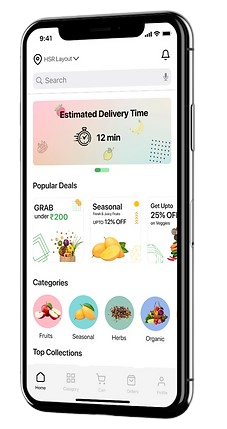

Parking Mobile Application
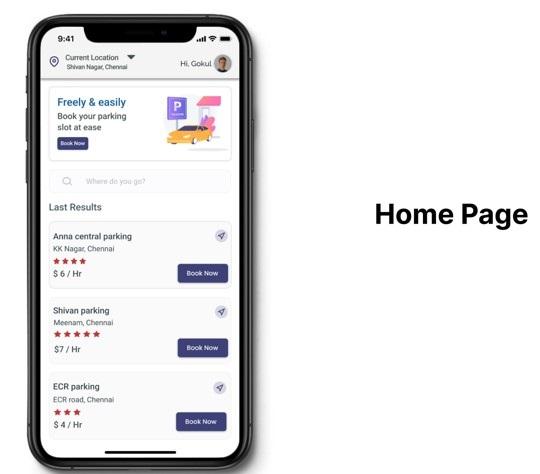
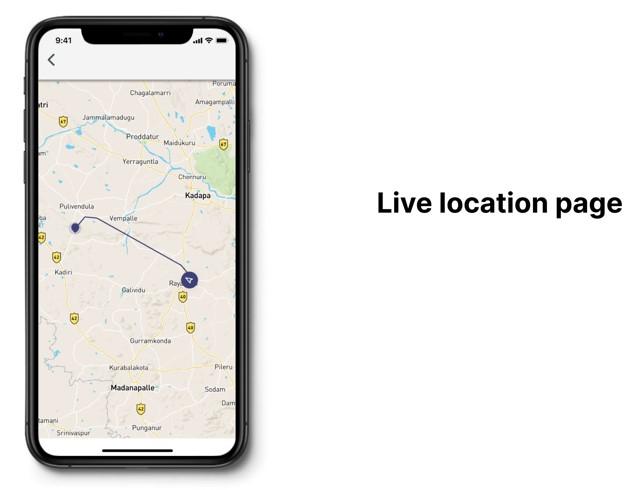
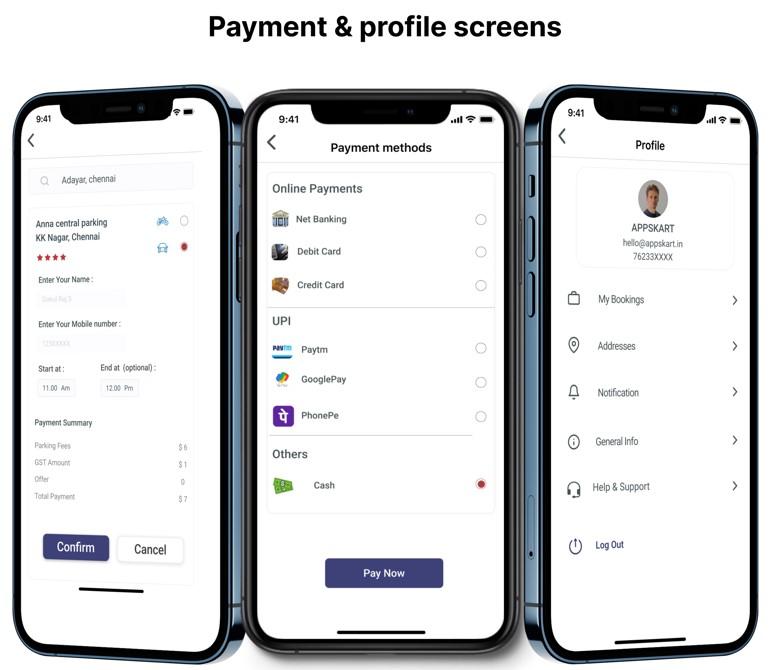
Parking application is a platform where the user can book the parking slot before they reach their destination place.
Roles & Definition
A mobile app user, also known as an individual who engages with a mobile application, can take on various roles within the application.
Here are list of user roles:

Super Admin
Super admin with comprehensive control over all system objects, folders, role templates, and groups.

Admin
Responsible for overseeing and coordinating the tasks of both customers and delivery agents within the app.
Customer
An individual who purchases products from a store, business, or via a mobile application.

Space owner
Someone whose job is to deliver a product to the customer on time.
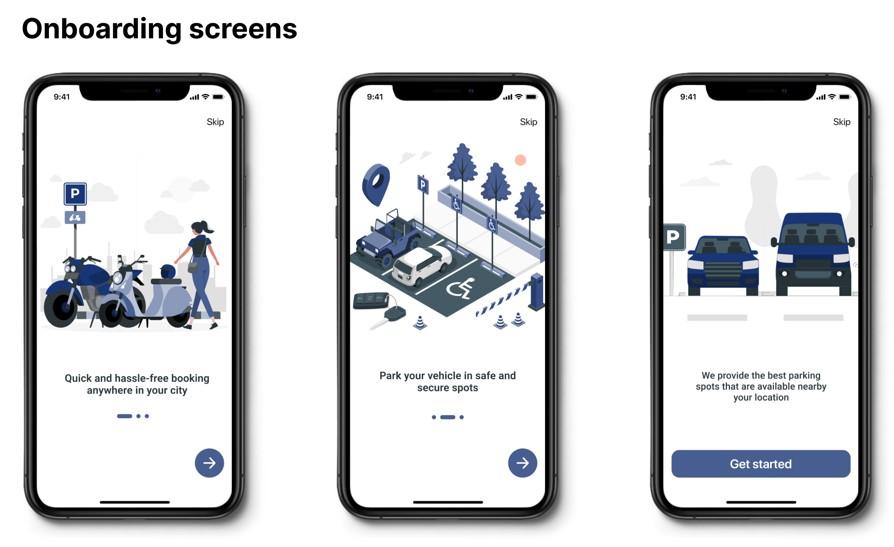
User Interface Design
The primary goal of mobile app design is to anticipate users' requirements and create an interface with intuitive, accessible, and user-friendly elements to seamlessly support their actions.
Features
A feature is a distinctive trait or a special attraction. Feature can also mean to give special attention to something.
User Mobile App
- Raise service requests
- Remainders to pay bills
- Bulletin board
- Engage with your community
- Book facilities
- Pay online or choose COD
- Chat with neighbors
- Rate and review community services
- View and download invoice
- Ratings and reviews /Customer support
Delivery Agent Mobile App
- Registration module
- View order
- Navigation to user location
- Accept payments
- View delivery history
- Support
- Role management
- Managing advertisements
- View complete booking history / Help and support
Admin Web portal
- Dashboard with useful statistics
- User creation and management: Users, delivery agents and admins
- Delivery agent verification and approval
- Role management
- Inventory management: Listing and updating items
- Creating advertisements
- Facilities management
- Help and support
- View all open and closed orders